StudyQuokka
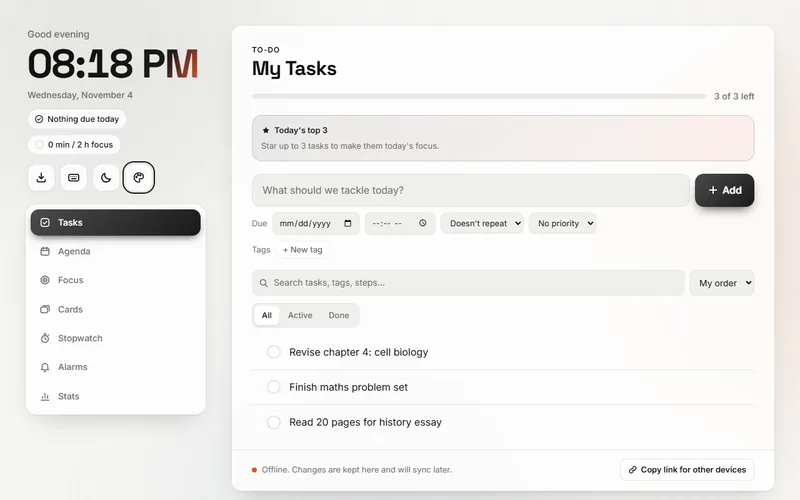
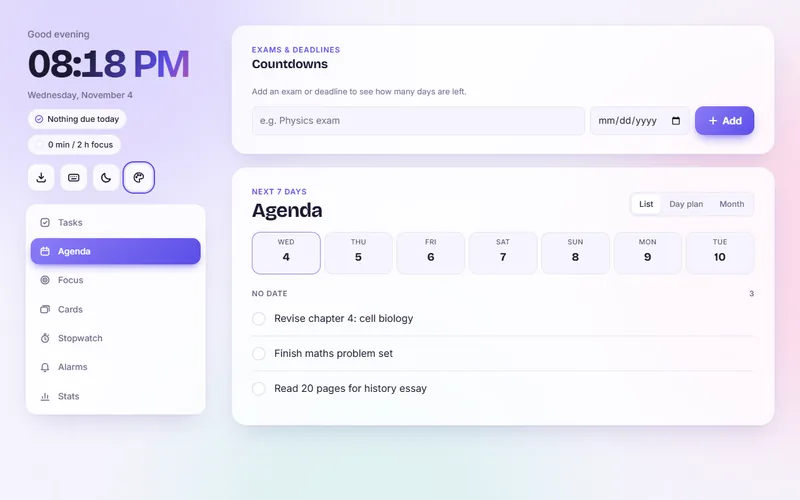
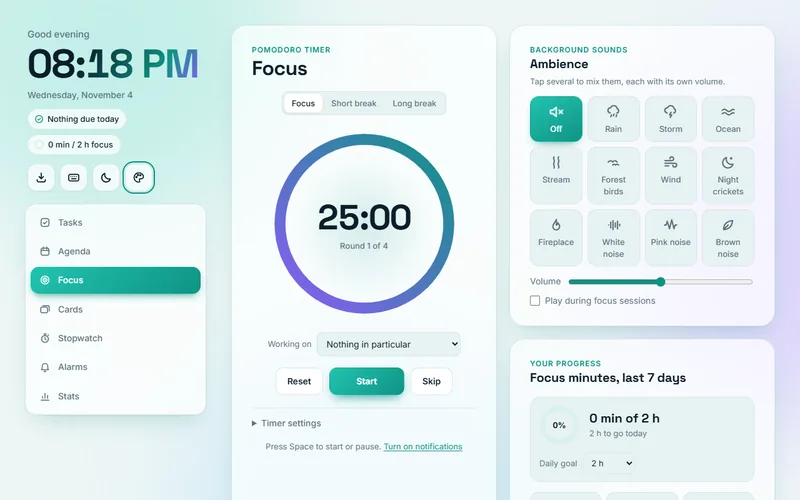
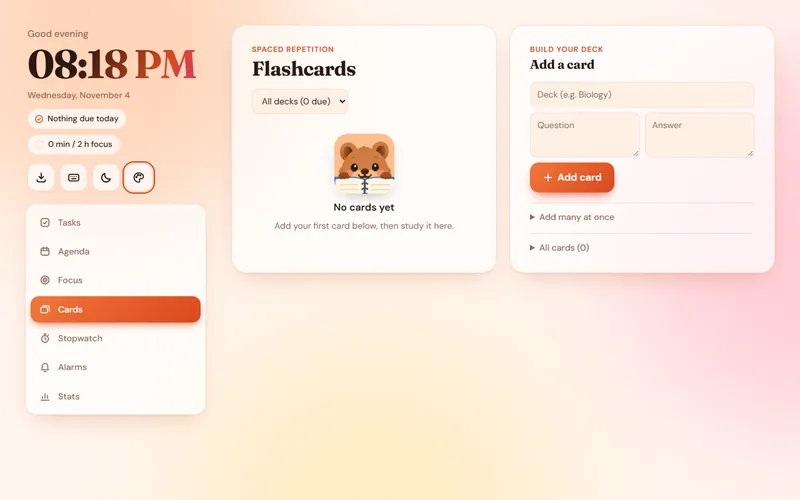
A study app with tasks, an agenda, a Pomodoro focus timer, spaced-repetition flashcards, alarms and grade tracking in one place. It works offline, installs like a phone app and syncs across devices with a private link.
Case study
- Sections7
- FrameworkNone, plain JavaScript
- Works offlineYes
- Installs as an appYes
- Sync across devicesPrivate link, no account
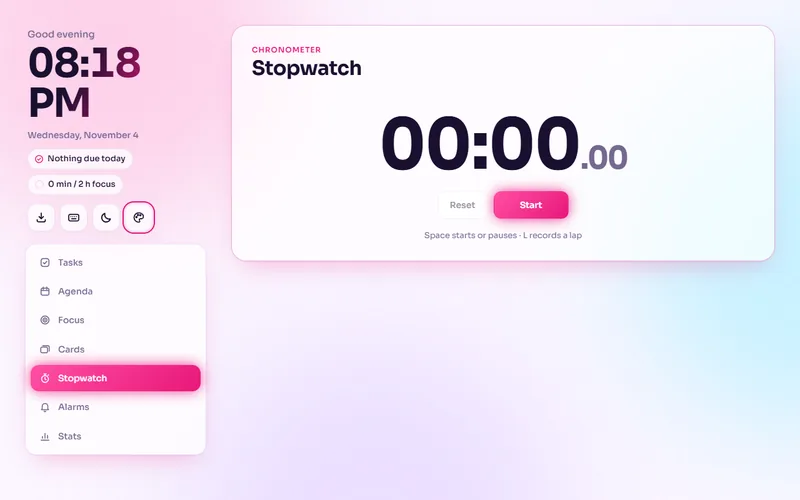
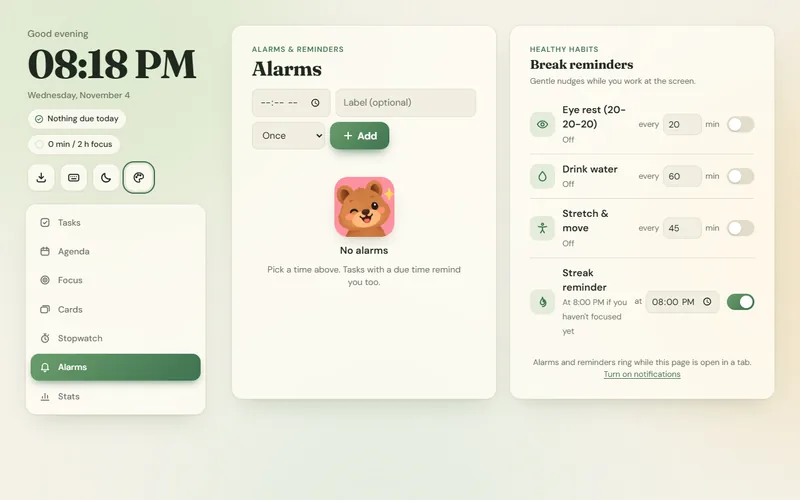
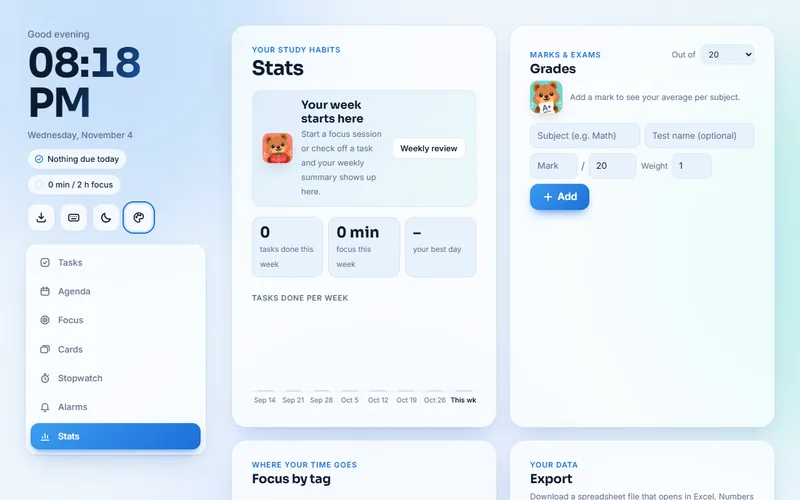
Seven sections, one app. Every screen is a real capture.
Open the live appWhy an app
A website has to win someone's first visit. An app has a different job: people come back to it every day, so it has to stay quick and pleasant long after the novelty wears off. StudyQuokka is my own app, and I built it to show that side of the work.
Decisions that mattered
No account to create
Signing up is where many people give up on a new tool. StudyQuokka opens straight on your list. To use it on another device, you copy a private link and the list follows you there.
It keeps working offline
Students work on trains and in libraries with poor Wi-Fi. Tasks stay saved on the device, and changes made offline sync when the connection comes back.
Everything for a study session in one place
Tasks, countdowns, a focus timer, background sounds, flashcards and grades sit side by side, so a study session doesn't need five open tabs. Focus time can be tied to a task, and it shows up in your stats.
No framework to carry around
The interface is written in plain JavaScript, with no front-end framework. That means less to download on a phone and fewer moving parts to break over time.
A mascot with a job
The quokka has eight poses tied to moments in the app: it waves from an empty list and holds up an A+ beside your grades. It makes a tool you open every day feel friendlier.

A website has to win the first visit. An app has to earn the hundredth.